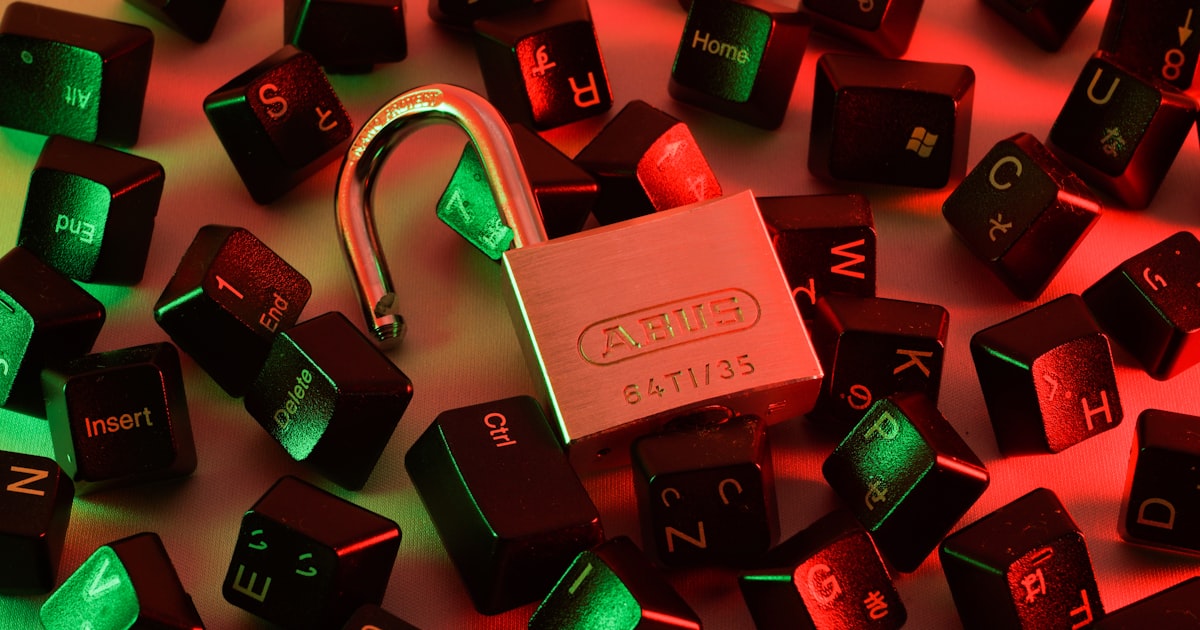
How to Create a Strong Password in 2026
Security advice is most useful when it turns into stronger defaults you can actually use. This guide explains what makes a password strong in 2026. Covers length, entropy, passphrases, password managers, and common mistakes that make passwords easy to crack. Use the linked tool when you want to check, generate, or verify something privately in your browser.
What Makes a Password Strong?
A strong password resists both automated cracking tools and social engineering. In 2026, attackers use GPU clusters that can test billions of password guesses per second against leaked hash databases. The only defense is a password with enough entropy (randomness) that brute-forcing it would take longer than the age of the universe.
Password strength comes down to two factors: length and randomness. Understanding how hashing algorithms like bcrypt and Argon2 work can help you appreciate why length matters so much. A longer, truly random password is exponentially harder to crack than a short one, even if the short one includes special characters.
Length Beats Complexity
Traditional password advice focused on complexity: mix uppercase, lowercase, numbers, and symbols. The result was passwords like P@ssw0rd! — hard for humans to remember but trivially easy for computers to crack because the patterns are predictable.
Modern guidance from NIST (National Institute of Standards and Technology) emphasizes length over complexity:
- 12 characters — Minimum acceptable for most accounts
- 16 characters — Recommended for important accounts
- 20+ characters — Ideal for sensitive accounts (email, banking, password manager master password)
A random 16-character password using lowercase letters, uppercase letters, and digits has roughly 95 bits of entropy. That is beyond the reach of any known brute-force attack for the foreseeable future.
Use the passforge Password Generator to create cryptographically random passwords of any length with your choice of character sets.
Passphrases: The Best of Both Worlds
A passphrase is a password made of multiple random words, like correct-horse-battery-staple or purple-falcon-drifting-maple-creek. Passphrases are:
- Easy to remember — Your brain naturally remembers stories and images, not random character strings.
- Easy to type — No hunting for special characters on mobile keyboards.
- Extremely strong — A 5-word passphrase from a 7,776-word dictionary has about 64 bits of entropy. Six words pushes it to 77 bits.
The key is that the words must be randomly selected, not chosen by you. Human word choices are predictable. Use a generator that picks words randomly from a large dictionary.
The passforge Passphrase Generator creates random passphrases with configurable word count, separator, and capitalization options. Every passphrase is generated with cryptographic randomness in your browser.
What Not to Do
Never Reuse Passwords
When a website gets breached (and breaches happen constantly), attackers try the leaked email and password combination on every other major site. If you reuse the same password across accounts, one breach compromises everything.
Every account needs a unique password. This is non-negotiable in 2026.
Never Use Personal Information
Your dog’s name, your birthday, your street address, your favorite team — all of this information is either publicly available on social media or easily guessed. Attackers build targeted word lists from your public profiles.
Never Use Common Patterns
These patterns are in every cracking dictionary:
Password1!or any variation- Keyboard walks like
qwertyor123456 - Repeated characters like
aaaa1111 - Common substitutions like
p@ssw0rd - Song lyrics, movie quotes, or book titles
Never Share Passwords
Do not send passwords via email, text, or chat. If someone needs access to an account, use your password manager’s sharing feature, which encrypts the password in transit.
Use a Password Manager
The only way to maintain unique, strong passwords for every account is to use a password manager. A password manager generates, stores, and auto-fills passwords so you only need to remember one master password (or passphrase).
Popular password managers in 2026 include Bitwarden (open source, free tier available), 1Password, and the built-in managers in Apple Keychain and Google Chrome.
Your master password should be a strong passphrase of at least 5 random words. This is the one password you truly need to memorize.
Check If You Have Been Breached
Even strong passwords become weak if they appear in a data breach. The passforge Breach Checker lets you check whether a password has appeared in known breaches without sending your actual password over the network. It uses a k-anonymity model that only transmits a partial hash, keeping your password private.
Measure Your Password Strength
Curious how strong your current passwords are? The passforge Password Strength Checker analyzes any password and shows its entropy in bits, estimated crack time against different attack scenarios, and specific suggestions for improvement.
Two-Factor Authentication
Even the strongest password can be phished. Always enable two-factor authentication (2FA) on important accounts. Hardware security keys (YubiKey, Google Titan) are the most secure option, followed by authenticator apps (Authy, Google Authenticator). Avoid SMS-based 2FA when possible, as SIM swapping attacks can intercept text messages.
Summary
- Use passwords that are at least 16 characters long
- Use a passphrase of 5+ random words for passwords you need to remember
- Use a password manager for everything else
- Never reuse passwords across accounts
- Enable two-factor authentication everywhere
Generate a strong password right now with the passforge Password Generator — cryptographically random, fully customizable, and completely private.